Mapping Creator
MappingCreator2026Simulation, Strategy
1.1GBBuild 26978547Updated 2 minutes ago
About Mapping Creator
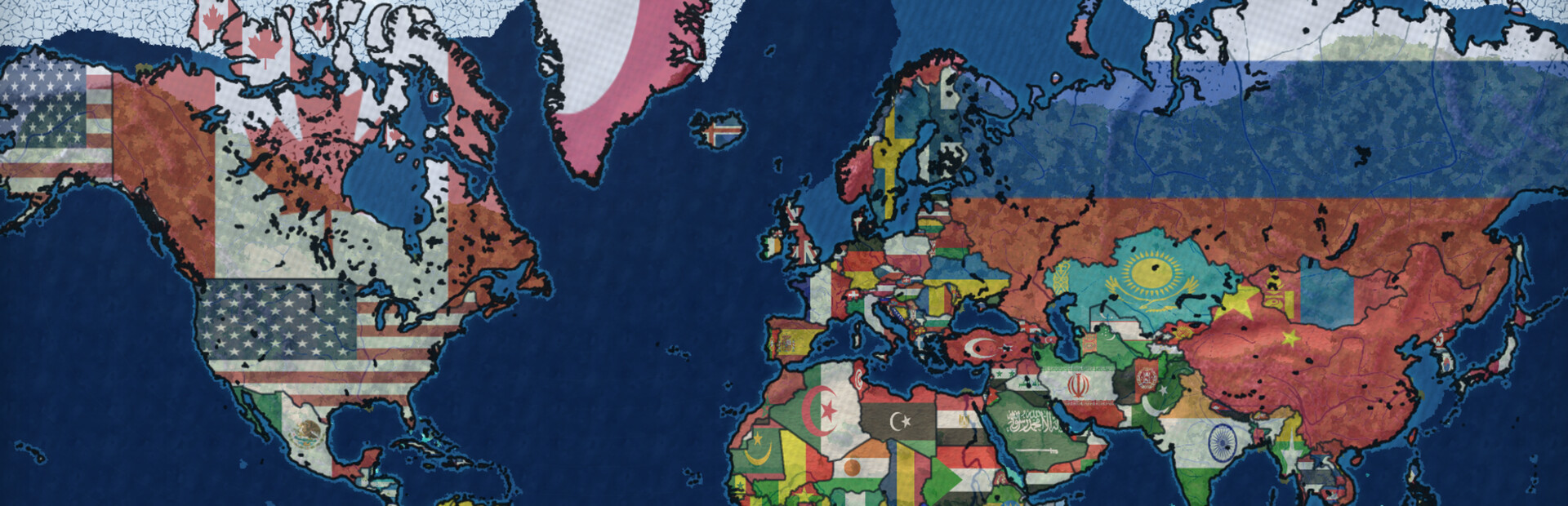
Draw maps, make nations fight and create historical or fantasy timelapses with Mapping Creator: a tool to unleash creativity!
Mapping Creator: Draw history the way YOU always wanted!
In Mapping Creator, you are unconstrained by the complex mechanics of other grand strategy games. The world is truly yours to paint, the wars are yours to recreate in detail, and history is what you make of it.
Paint the map the way you want!
Use a wide variety of tools to customise the colours, shapes, names and flags of countries, and make their borders pixel perfect with a brush.
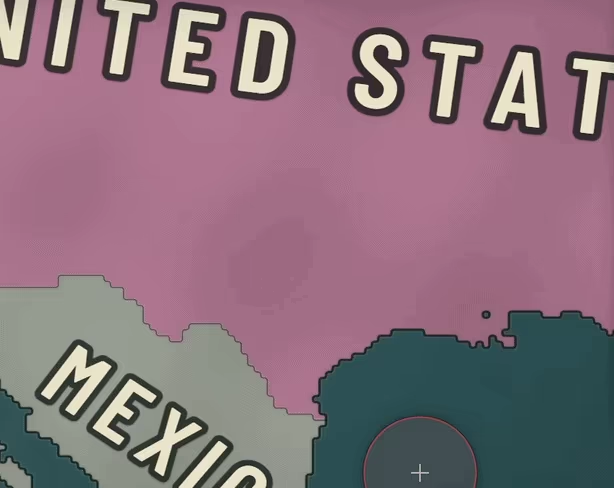
Recreate conflicts in detail!
Click, rotate and drag units on the map to make them advance, form a front line and fight other nations. The location, size and outcome of each engagement is up to you!
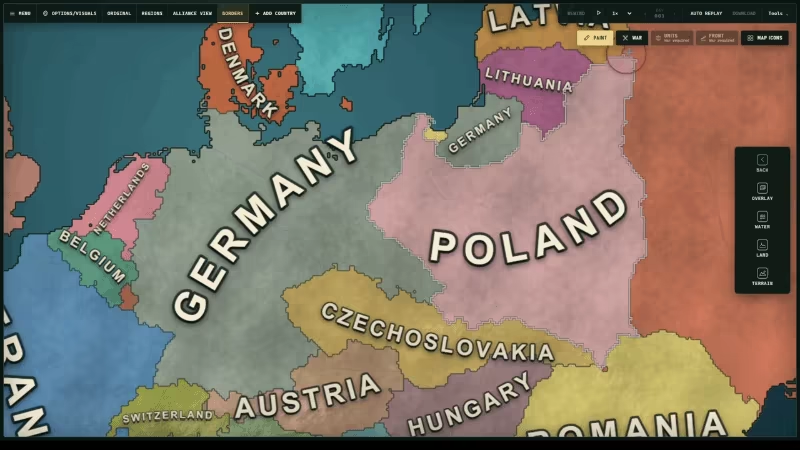
Assemble it all for a glorious final timelapse!
Automatically record your gameplay to compile it into a video with no need for additional software.

If you’ve always wanted to decide history down to the smallest details, show how your dream conflict idea would go, and display the final product quickly and easily, this is the game for you!
From the store page, unedited. May contain spoilers.
This release
Reviews and playtime
Positive
83% of 48
The game
Genres and features
How to install Mapping Creator
Pre-installed, so there is no setup wizard. Follow these in order.
- 01
Create a games folder
Make a folder like C:\Games\ and keep every game in it. Avoid Program Files, Downloads and the Desktop.
- 02
Exclude it from Windows Defender
Defender often deletes cracked files by mistake while they extract. Add C:\Games\ as an excluded folder:
Windows Security -> Virus & threat protection -> Manage settings -> Exclusions -> Add an exclusion -> Folder
- 03
Download into C:\Games\
Save the archive straight into that folder. This release is one 1.1GB file.
- 04
Extract it there
Use 7-Zip or WinRAR. Keep about 2.4 GB free while it unpacks.
- One file
- Right-click it -> Extract here.
- Several parts
- Extract only part1 (or .001). The other parts are read automatically.
- 05
Open README.html
It is inside the extracted folder and explains how to start the game.
Still stuck? Read the install help
Download
Set up your games folder and the Defender exclusion before you extract. The Install tab has the steps.
FilesYard
The whole game in one file
VikingFile
The whole game in one file
We don't accept fix requests when only one host is down. Please use another mirror above. Links broken? Let us know.
We never password-protect files or hide installers. If a page asks for a password or payment, that is the host's ad, not us. See our safety guide.
System requirements
- Min
- Windows 10 64-bit
- Rec
- Windows 11 / Windows 10 64-bit
- Min
- Intel Core i3-6100 / AMD Ryzen 3 1200 (4 threads)
- Rec
- Intel Core i5-8400 / AMD Ryzen 5 2600 or better
- Min
- 8192 MB RAM
- Rec
- 16384 MB RAM
- Min
- DirectX 11 GPU with WebGL 2 support, 2 GB VRAM (e.g. Intel UHD 620, GTX 750 Ti)
- Rec
- NVIDIA GeForce GTX 1060 / AMD Radeon RX 580 (3 GB+ VRAM)
- Min
- 1024 MB available space
- Rec
- 4096 MB available space
Version 11
These are the developer's listed requirements and may not be 100% accurate. If your specs fall below the minimum, try the game anyway; many games run fine below the listed requirements. When in doubt, check YouTube for performance benchmarks.