HyperRogue
Zeno Rogue2015Tactics, Experimental
136.6MBBuild 24573176Updated 22 days ago
About HyperRogue
Time moves when you move in a truly non-Euclidean world
You are a lone adventurer in a strange, non-Euclidean world. Gather as much treasure as you can before the nasty monsters get you. Explore about 60 different lands, each with its own unique treasures, enemies, and terrain obstacles. Your quest is to find the legendary treasure, the Orbs of Yendor. Collect one of them to win! Or just ignore your quest and collect smaller treasures.
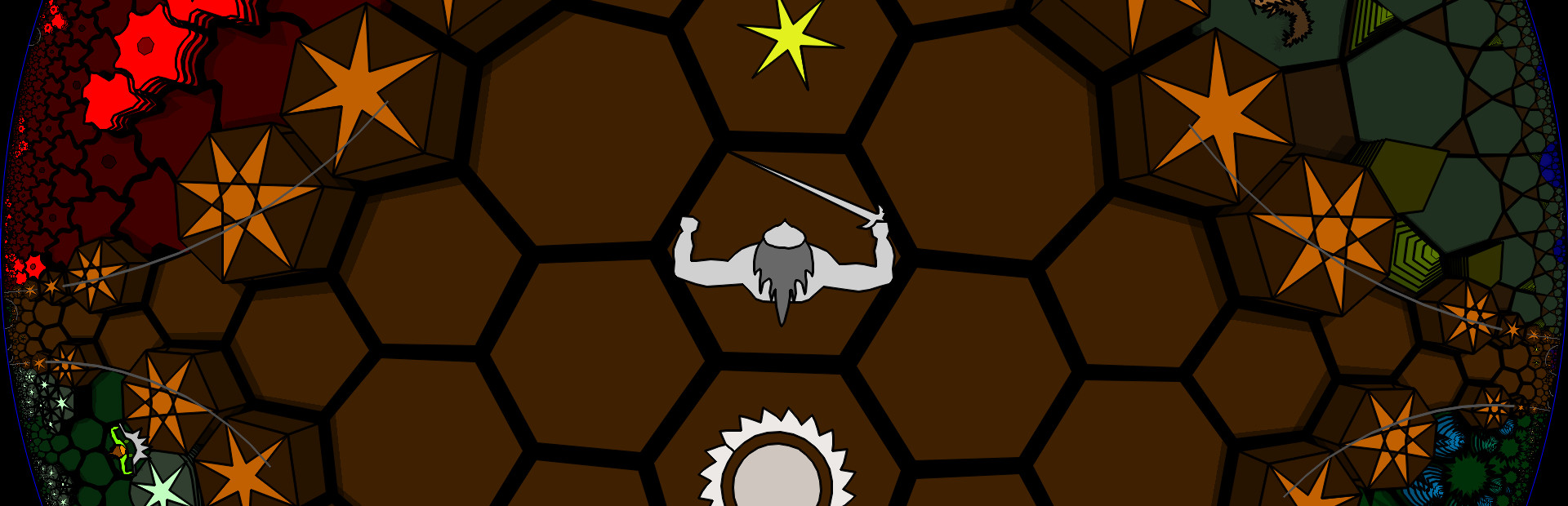
The twist is the unique, unusual geometry of the world: it is one of just few games which takes place on the hyperbolic plane. Witness a grid composed of hexagons and heptagons, straight lines which seem to be parallel, but then they diverge and never cross, triangles whose angles add up to less than 180 degrees, how extremely unlikely is it to reach the same place twice due to practically infinite size of the world (centillions of locations in just 700 steps from the starting point), and how the world seems to be rotated when you do return. All this matters for the gameplay. The game is inspired by the roguetime genre, works of M. C. Escher, and by puzzle games such as Deadly Rooms of Death.
HyperRogue is often updated! Other than the original 2D hyperbolic puzzle roguetime game, HyperRogue includes experimental modes, allowing one to change many aspects of the game for your non-Euclidean experimentation, such as racing mode, real-time "shmup" mode, 3D geometries including Thurston geometries, SteamVR virtual reality. If you want to play HyperRogue as a non-Euclidean first person shooter, it is possible too!
From the store page, unedited. May contain spoilers.
This release
Reviews and playtime
Very Positive
97% of 409
The game
Genres and features
How to install HyperRogue
Pre-installed, so there is no setup wizard. Follow these in order.
- 01
Create a games folder
Make a folder like C:\Games\ and keep every game in it. Avoid Program Files, Downloads and the Desktop.
- 02
Exclude it from Windows Defender
Defender often deletes cracked files by mistake while they extract. Add C:\Games\ as an excluded folder:
Windows Security -> Virus & threat protection -> Manage settings -> Exclusions -> Add an exclusion -> Folder
- 03
Download into C:\Games\
Save the archive straight into that folder. This release is one 136.6MB file.
- 04
Extract it there
Use 7-Zip or WinRAR. Keep about 300.5 MB free while it unpacks.
- One file
- Right-click it -> Extract here.
- Several parts
- Extract only part1 (or .001). The other parts are read automatically.
- 05
Open README.html
It is inside the extracted folder and explains how to start the game.
Still stuck? Read the install help
Download
Set up your games folder and the Defender exclusion before you extract. The Install tab has the steps.
FilesYard
The whole game in one file
FileDitch
The whole game in one file
VikingFile
The whole game in one file
We don't accept fix requests when only one host is down. Please use another mirror above. Links broken? Let us know.
We never password-protect files or hide installers. If a page asks for a password or payment, that is the host's ad, not us. See our safety guide.
System requirements
- Min
- 0.5 GHz
- Rec
- 1.5 GHz
- Min
- 512 MB RAM
- Rec
- 8192 MB RAM
- Min
- -
- Rec
- Some settings (e.g. 3D geometries) might require more RAM.
Windows XP
60 MB available space
These are the developer's listed requirements and may not be 100% accurate. If your specs fall below the minimum, try the game anyway; many games run fine below the listed requirements. When in doubt, check YouTube for performance benchmarks.