
Func Key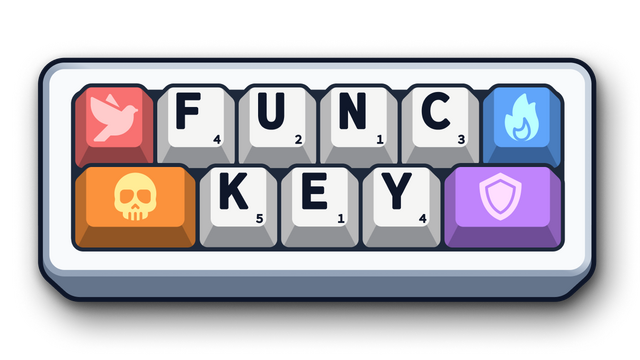
One Bit Bean2026Strategy, Puzzle
649.0MBBuild 26707503Updated 4 days ago
About Func Key
Func Key is a word-spelling roguelike deckbuilder where your keyboard is your class: six boards, six different ways to play. Spell words, build your board, and bend the rules with mods, all to the soothing thock of the mechanical keyboard.

Func Key is a word-spelling roguelike where your keyboard is your class: six boards, six different ways to play. Spell words, build your board, and bend the rules with mods, all to the soothing thock of the mechanical keyboard.
Make every key count
Shape your board with four kinds of items:
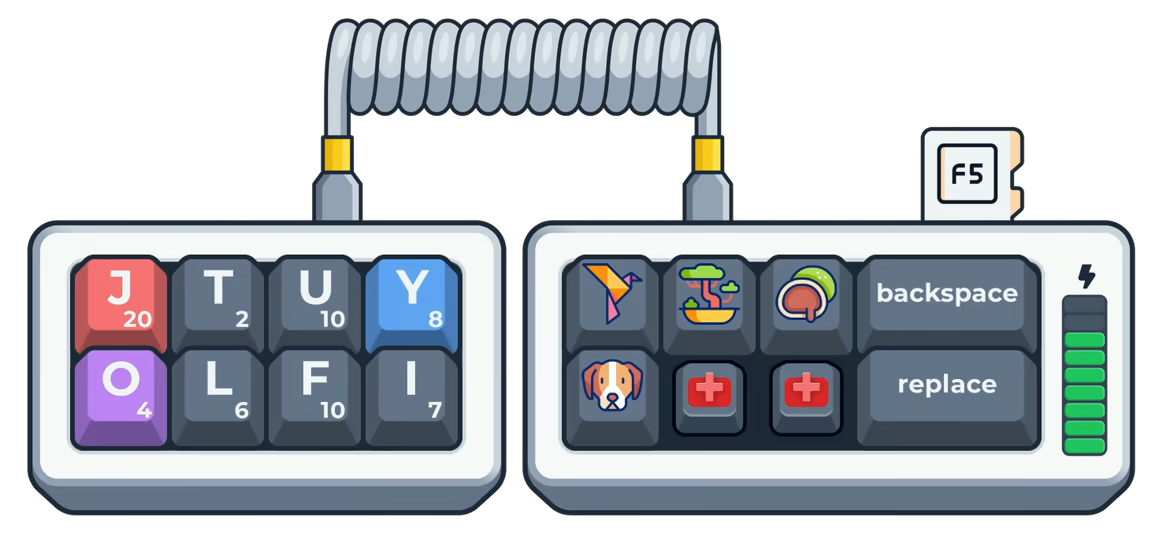
Function keys: powerful passives that boost your words. Tired of spelling long words? Grab a function key that'll make short words knock your socks off. Strapped for cash? Have your function keys make money for you!
Key caps: these colorful upgrades don't just buff your favorite letters, they buff their neighbors too! Align them just right to make a chain reaction of color and light across your whole keyboard!
Tools: reusable gadgets with a few charges each. Tape letters together to form an "ing" key, swap around keys using portals, or disguise your keys to hide them from debuffs.
Mods: ultra rare items that change the rules of the game. Tell the spellchecker to take a break or trade your energy in for cash, it's up to you to decide.
Pick your playstyle
Choose from any of 6 keyboards to start your run. These aren't simply skins or stat bonuses - each comes with new mechanics, synergies and ways to play.

Express yourself
Customize your keyboard with over 30 cosmetics: shape, color, font, and even sound!

Features
6 playable keyboards
5 difficulty levels
85 function keys
28 consumables
32 cosmetics
16 bosses
12 mods
endless mode
daily challenges
From the store page, unedited. May contain spoilers.
This release
Reviews and playtime
Very Positive
96% of 125
The game
Genres and features
How to install Func Key
Pre-installed, so there is no setup wizard. Follow these in order.
- 01
Create a games folder
Make a folder like C:\Games\ and keep every game in it. Avoid Program Files, Downloads and the Desktop.
- 02
Exclude it from Windows Defender
Defender often deletes cracked files by mistake while they extract. Add C:\Games\ as an excluded folder:
Windows Security -> Virus & threat protection -> Manage settings -> Exclusions -> Add an exclusion -> Folder
- 03
Download into C:\Games\
Save the archive straight into that folder. This release is one 649.0MB file.
- 04
Extract it there
Use 7-Zip or WinRAR. Keep about 1.4 GB free while it unpacks.
- One file
- Right-click it -> Extract here.
- Several parts
- Extract only part1 (or .001). The other parts are read automatically.
- 05
Open README.html
It is inside the extracted folder and explains how to start the game.
Still stuck? Read the install help
Download
Set up your games folder and the Defender exclusion before you extract. The Install tab has the steps.
FilesYard
The whole game in one file
FileDitch
The whole game in one file
VikingFile
The whole game in one file
We don't accept fix requests when only one host is down. Please use another mirror above. Links broken? Let us know.
We never password-protect files or hide installers. If a page asks for a password or payment, that is the host's ad, not us. See our safety guide.
System requirements
- Min
- Windows 10
- Rec
- -
- Min
- Intel Core i3
- Rec
- -
- Min
- 2 GB RAM
- Rec
- -
- Min
- Integrated graphics
- Rec
- -
- Min
- 300 MB available space
- Rec
- -
These are the developer's listed requirements and may not be 100% accurate. If your specs fall below the minimum, try the game anyway; many games run fine below the listed requirements. When in doubt, check YouTube for performance benchmarks.