Echo Generation 2
Cococucumber2026Action, Adventure
6.4GBBuild 23590120Updated 4 days ago
About Echo Generation 2
Embark on a sci-fi deckbuilding RPG odyssey. Build your crew, master powerful decks, and uncover the truth behind a growing cosmic threat. Deal the cards. Defy the cosmos. Embrace the adventure.
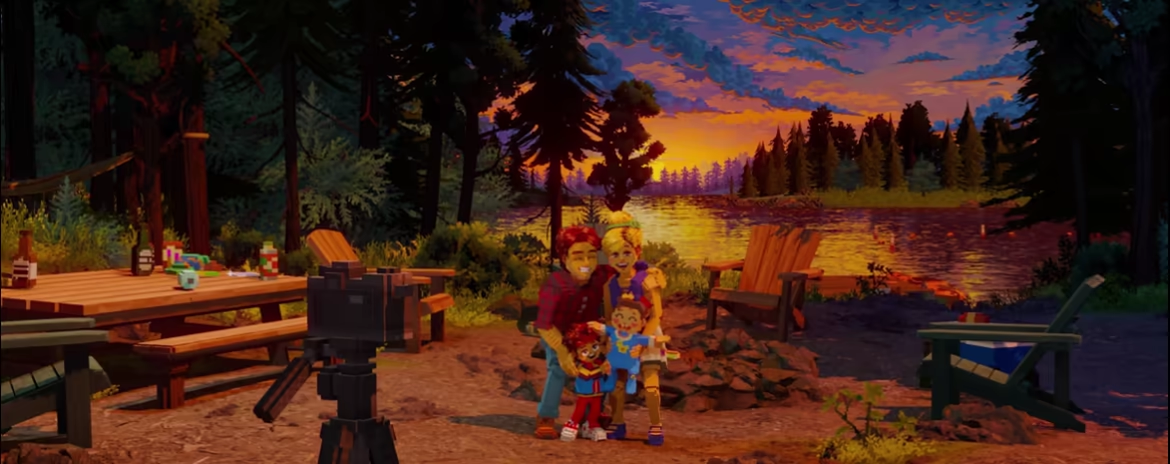
Echo Generation 2 is a turn-based sci-fi deckbuilding RPG from the creators of the award-winning Echo Generation (Best Indie Game, Best Narrative, Best Soundtrack).
In Echo Generation 2, you step into the past as Jack, the father. What begins as a family vacation spirals into a mystery of hidden experiments, impossible realities, and the truth behind it all.
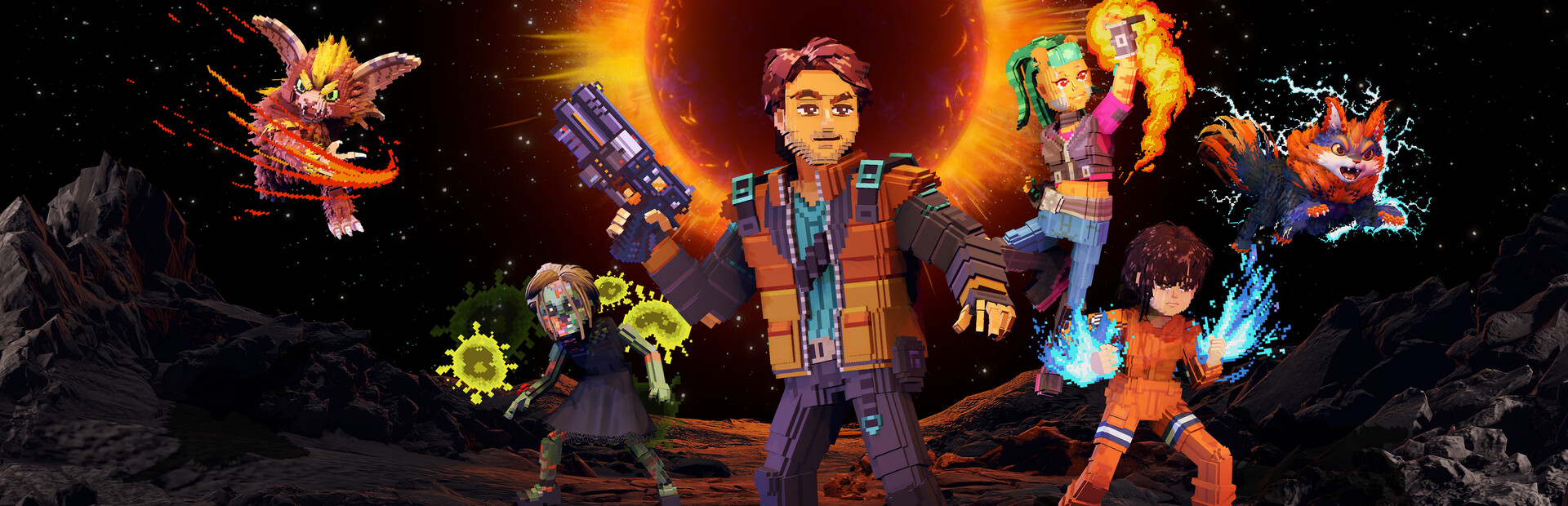
Six Playable Heroes
Build your party from six distinct characters, each with their own abilities, decks, and playstyles.
Form a party of three in the Championships, and discover how characters work together to unlock powerful synergies.

Break the Enemy
Master a strategic stance system that rewards planning and timing. Match symbols to break enemy defenses, create openings, and unleash high-impact combos.
Build Your Strategy
Customize your playstyle with deck choices, skill trees, and badge upgrades. Shape each hero to fit your approach and experiment with team compositions to overcome increasing threats.

A Multi-Perspective Story
Experience a character-driven narrative told across multiple perspectives. Each chapter follows different heroes, with distinct tones and worlds, from noir horror to neon-lit cyberpunk.
As these stories unfold, connections emerge, revealing a larger mystery.

Retro 3D Pixel Aesthetic
Immerse yourself in a richly detailed voxel world, crisp, colorful, and nostalgically crunchy, blending retro charm with modern visual polish.
Turn Up the Synths
Cruise through the cosmos to an 80s-inspired analog synth soundtrack by Pusher, returning with an all-new interstellar score.
From the store page, unedited. May contain spoilers.
This release
Reviews and playtime
Mostly Positive
72% of 43
The game
Genres and features

How to install Echo Generation 2
Pre-installed, so there is no setup wizard. Follow these in order.
- 01
Create a games folder
Make a folder like C:\Games\ and keep every game in it. Avoid Program Files, Downloads and the Desktop.
- 02
Exclude it from Windows Defender
Defender often deletes cracked files by mistake while they extract. Add C:\Games\ as an excluded folder:
Windows Security -> Virus & threat protection -> Manage settings -> Exclusions -> Add an exclusion -> Folder
- 03
Download into C:\Games\
Save the archive straight into that folder. This release is one 6.4GB file.
- 04
Extract it there
Use 7-Zip or WinRAR. Keep about 14.1 GB free while it unpacks.
- One file
- Right-click it -> Extract here.
- Several parts
- Extract only part1 (or .001). The other parts are read automatically.
- 05
Open README.html
It is inside the extracted folder and explains how to start the game.
Still stuck? Read the install help
Download
Set up your games folder and the Defender exclusion before you extract. The Install tab has the steps.
FilesYard
The whole game in one file
VikingFile
The whole game in one file
We don't accept fix requests when only one host is down. Please use another mirror above. Links broken? Let us know.
We never password-protect files or hide installers. If a page asks for a password or payment, that is the host's ad, not us. See our safety guide.
System requirements
- Min
- Intel 2.0 Ghz or higher
- Rec
- Intel 3.0 Ghz or higher
- Min
- 4 GB RAM
- Rec
- 8 GB RAM
- Min
- GTX 1080 Series or equivalent
- Rec
- GTX 2080 Series or equivalent
- Min
- Version 11
- Rec
- Version 12
Windows 10
3 GB available space
Broadband Internet connection
These are the developer's listed requirements and may not be 100% accurate. If your specs fall below the minimum, try the game anyway; many games run fine below the listed requirements. When in doubt, check YouTube for performance benchmarks.