Backpack Boy
Chuck2026Platformer, Puzzle
465.1MBBuild 24662574Updated 74 days ago
About Backpack Boy
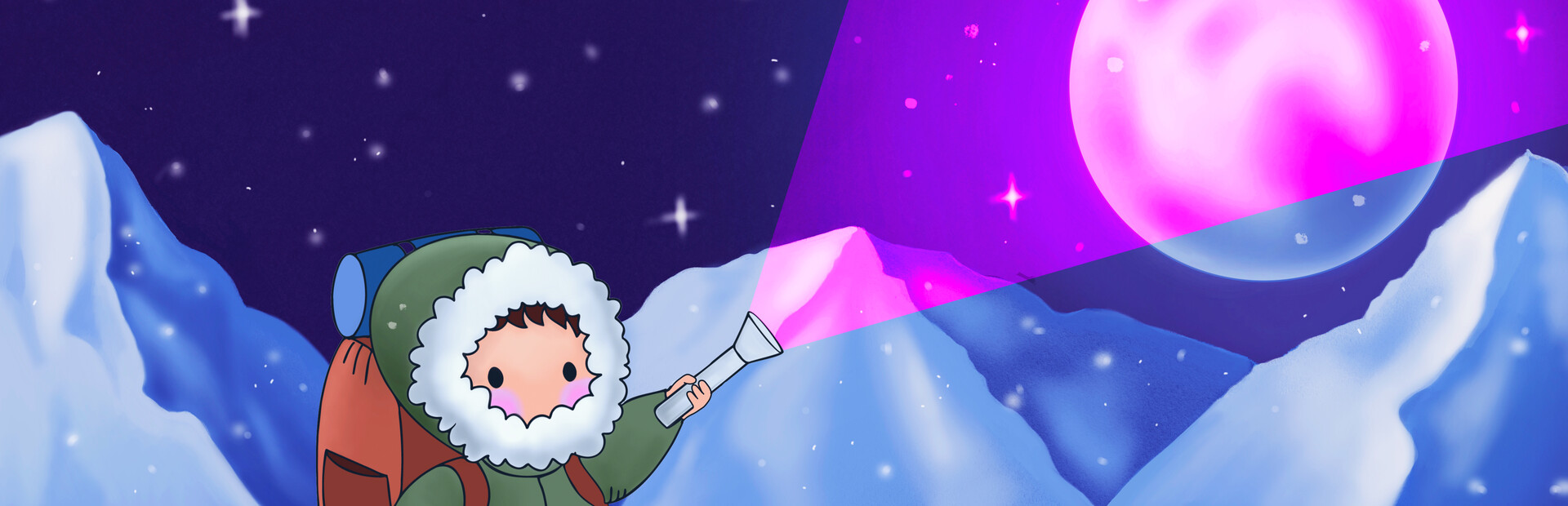
Backpack Boy is off on one of his treks when he discovers a peculiar flashlight that changes the world around him. Explore a seemingly abandoned structure in this puzzle platformer built around using light to shine into the past.
Flashlight
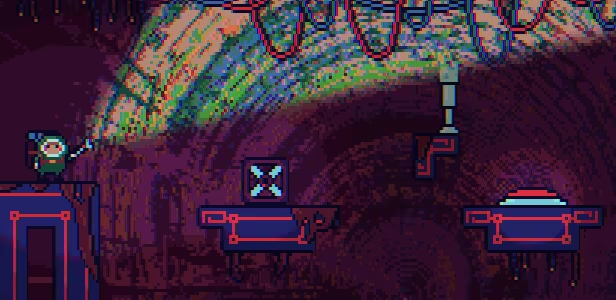
The Flashlight is the first and most important tool in your backpack. Though, this flashlight doesn't just light up the dark. It shines its way to somewhere else. Use it to solve puzzles and explore a dilapidated facility that has been long abandoned.
Lantern

The second tool at your disposal is The Lantern. Endowed with the same power as The Flashlight, these lanterns provide the ability to punch holes between here and somewhere else. But what are they doing here? And who left them?
About the Game
Beginning as a submission to the 2023 Big Mode Game Jam, Backpack Boy, a puzzle-platformer built around using special light sources to affect the world around you has been expanded to a full game with new levels and new mechanics.This short experience is packed full of fun and interesting puzzles.
Explore deeper to uncover the mysteries at the heart of the facility.
Something is waiting for you...
From the store page, unedited. May contain spoilers.
This release
Reviews and playtime
Positive
100% of 21
The game
Genres and features
How to install Backpack Boy
Pre-installed, so there is no setup wizard. Follow these in order.
- 01
Create a games folder
Make a folder like C:\Games\ and keep every game in it. Avoid Program Files, Downloads and the Desktop.
- 02
Exclude it from Windows Defender
Defender often deletes cracked files by mistake while they extract. Add C:\Games\ as an excluded folder:
Windows Security -> Virus & threat protection -> Manage settings -> Exclusions -> Add an exclusion -> Folder
- 03
Download into C:\Games\
Save the archive straight into that folder. This release is one 465.1MB file.
- 04
Extract it there
Use 7-Zip or WinRAR. Keep about 1023.2 MB free while it unpacks.
- One file
- Right-click it -> Extract here.
- Several parts
- Extract only part1 (or .001). The other parts are read automatically.
- 05
Open README.html
It is inside the extracted folder and explains how to start the game.
Still stuck? Read the install help
Download
Set up your games folder and the Defender exclusion before you extract. The Install tab has the steps.
FileDitch
The whole game in one file
FileQ
The whole game in one file
Pixeldrain
The whole game in one file
Pixeldrain slows free downloads to a few MB/s. The Copy fast link button gives you a bypass link with no speed limit. Paste it into your download manager, or into your browser's address bar.
Gofile (legacy)
The whole game in one file
We don't accept fix requests when only one host is down. Please use another mirror above. Links broken? Let us know.
We never password-protect files or hide installers. If a page asks for a password or payment, that is the host's ad, not us. See our safety guide.
System requirements
- Min
- Windows 10
These are the developer's listed requirements and may not be 100% accurate. If your specs fall below the minimum, try the game anyway; many games run fine below the listed requirements. When in doubt, check YouTube for performance benchmarks.