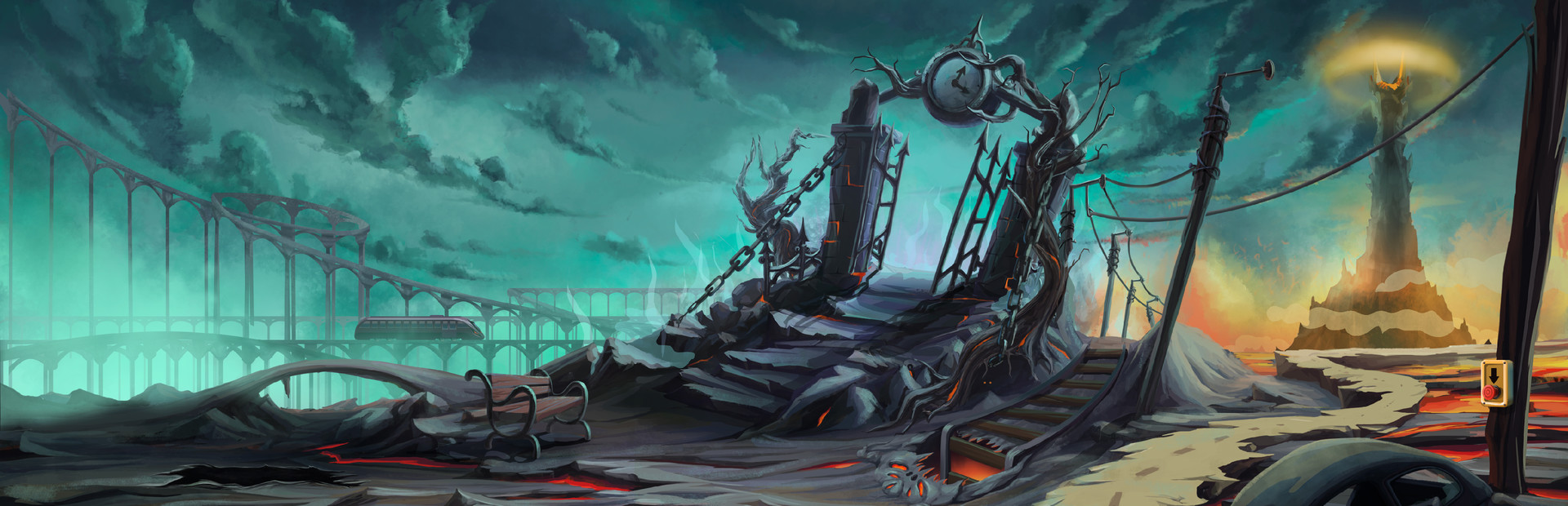
Angelo and Deemon: One Hell of a Quest
Specialbit Studio2019Point & Click, Puzzle
1.1GBBuild 10472010Updated 1 minute ago
About Angelo and Deemon: One Hell of a Quest
Once upon a time, the Grim Reaper chose the wrong door. Angelo – a young lazy bum-a-holic, oh sorry - a blogger, powered only by his blogging skills, must turn on “point-n-click adventure” mode, go around the inferno, meet the locals, and somehow get back home. Enjoy Hell! We made it just for you.

A lightning strike ignites a breathtaking chain of events, and a blogger follows the Grim Reaper to Hell.
Angelo’s channel suffers from a lack of likes and views. He needs them. At any cost. Deciding to record his journey to another world with the Grim Reaper, he hopes he can create the most trending, most liked, most hyped video of all time.
Unfortunately for Angelo, that world is Hell. And it’s inhabited by people with more than a few problems, who will need his help.
Make a visit to the Devil himself! But be careful because... well…you'll see.
In Hell, Angelo won’t be traveling alone. Even a blogger needs a sidekick.
What you can expect:
- Expressive and somehow slightly familiar characters
- A helluva great looking game with lots of levels, but no pixel art!
- Addictive and mind-blowing puzzles. This game makes you think (unlike other games)!
- Not pixel art graphics! (in case you missed the line above)
- Funny dialogue. A cocktail of humor and philosophy; delivered in snappy soundbites!
- Too many cocktails are harmful, so our lines are sophisticated. Making you smile and think at the same time by using only a few words (like now)
- You won’t forget these characters’ lines, even if you try. Each character has their own issues. (Who doesn’t have issues, right?)
- WARNING!!! There is a chance you’ll like it in Hell and won’t be scared anymore
From the store page, unedited. May contain spoilers.
This release
Reviews and playtime
Mostly Positive
74% of 158
The game
Genres and features
How to install Angelo and Deemon: One Hell of a Quest
Pre-installed, so there is no setup wizard. Follow these in order.
- 01
Create a games folder
Make a folder like C:\Games\ and keep every game in it. Avoid Program Files, Downloads and the Desktop.
- 02
Exclude it from Windows Defender
Defender often deletes cracked files by mistake while they extract. Add C:\Games\ as an excluded folder:
Windows Security -> Virus & threat protection -> Manage settings -> Exclusions -> Add an exclusion -> Folder
- 03
Download into C:\Games\
Save the archive straight into that folder. This release is one 1.1GB file.
- 04
Extract it there
Use 7-Zip or WinRAR. Keep about 2.4 GB free while it unpacks.
- One file
- Right-click it -> Extract here.
- Several parts
- Extract only part1 (or .001). The other parts are read automatically.
- 05
Open README.html
It is inside the extracted folder and explains how to start the game.
Still stuck? Read the install help
Download
Set up your games folder and the Defender exclusion before you extract. The Install tab has the steps.
FilesYard
The whole game in one file
VikingFile
The whole game in one file
We don't accept fix requests when only one host is down. Please use another mirror above. Links broken? Let us know.
We never password-protect files or hide installers. If a page asks for a password or payment, that is the host's ad, not us. See our safety guide.
System requirements
- Min
- Windows 7 SP1
- Rec
- Windows 10
- Min
- 2 GHz
- Rec
- 2.3 GHz
- Min
- 2 GB RAM
- Rec
- 4 GB RAM
- Min
- Version 10
- Rec
- Version 11
Graphics card with DX10 (shader model 4.0) capabilities
500 MB available space
These are the developer's listed requirements and may not be 100% accurate. If your specs fall below the minimum, try the game anyway; many games run fine below the listed requirements. When in doubt, check YouTube for performance benchmarks.